
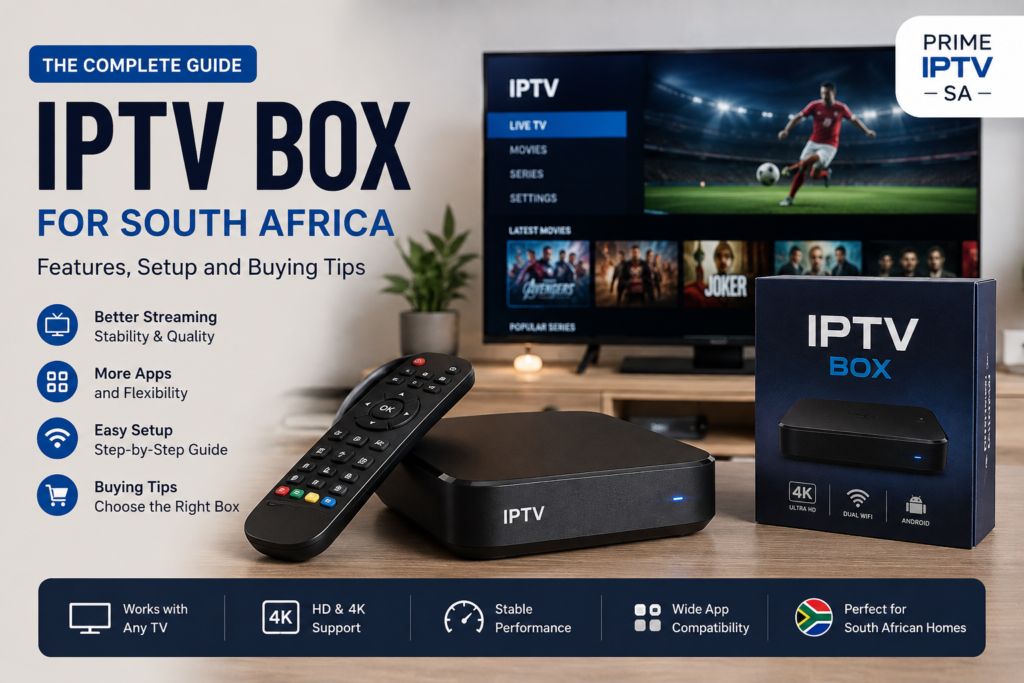
An IPTV box can be a useful option for people who want to watch internet-based television content on their home TV. Instead of relying only on a built-in Smart TV application, an external device can provide additional flexibility, app support, and performance features.
In South Africa, many users search for an IPTV box because older televisions may not support modern streaming applications, while some Smart TV platforms have limited app availability. An IPTV set top box can help solve these compatibility issues by connecting directly to a television through HDMI.
This guide explains what an IPTV box is, how it works, which features to consider, and how to set up a device for a better home streaming experience.
What Is an IPTV Box?
An IPTV box is a device that connects to your television and allows compatible applications to access internet-based television and streaming services.
The device usually connects to the internet through Wi-Fi or an Ethernet cable. It then uses installed applications or supported player software to access compatible streaming services.
Some people also refer to these devices as an IPTV set top box, TV box, Android box, or streaming box.
How Does an IPTV Box Work?
An IPTV box receives content through an internet connection rather than a traditional satellite dish or antenna.
A typical setup includes the following:
- A television with an available HDMI port
- An IPTV box or Android TV box
- A stable internet connection
- A compatible streaming application
- Valid login or subscription details from your chosen service
Once the device is connected to the television and internet, you can install a compatible application and configure it according to the service instructions.
IPTV Box vs Smart TV: Which One Is Better?
Both options can provide a good streaming experience, but the right choice depends on your existing equipment and requirements.
Using a Smart TV
A Smart TV already includes an operating system and internet connectivity. This means you may be able to install streaming applications directly without purchasing additional hardware.
This is often the simplest solution if your television supports the applications you need.
Using an External IPTV Box
An external IPTV box can be useful when:
- Your television is not a Smart TV
- Your Smart TV has limited app support
- The TV operating system is old
- You want additional storage or processing power
- You prefer the flexibility of an Android-based device
For users comparing different options, our guide to IPTV and streaming solutions in South Africa provides additional information about compatible devices and setup options.
Important Features to Look for in an IPTV Box
Not every IPTV box offers the same performance. Before choosing a device, consider the following features.
Processor and RAM
A faster processor and sufficient RAM can improve navigation and application performance. Low-powered devices may become slow when running multiple applications or handling high-resolution video.
Storage Space
Internal storage is important if you plan to install several applications.
A device with very limited storage can become slower when the available space is nearly full. Make sure there is enough room for the apps you plan to use.
Wi-Fi and Ethernet Support
A stable internet connection is essential for a smooth streaming experience.
Wi-Fi is convenient, but an Ethernet connection can provide more consistent performance for a device that remains in one location.
4K Support
If you have a compatible 4K television and want to use high-resolution content, check whether the IPTV box supports 4K output and modern video formats.
Operating System and App Support
Android-based boxes are popular because they can support a wide range of applications. However, compatibility varies between devices and operating system versions.
Before purchasing a device, check whether it supports the applications you plan to use.
How to Set Up an IPTV Box
The exact setup process depends on the device and application, but the general steps are usually straightforward.
Step 1: Connect the IPTV Box to Your TV
Connect the device to an available HDMI port on your television using an HDMI cable.
Turn on the television and select the correct HDMI input.
Step 2: Connect to the Internet
You can usually connect the box using Wi-Fi or an Ethernet cable.
If the device is located close to your router, Ethernet may provide a more stable connection.
Step 3: Update the Device
Before installing applications, check whether a system update is available.
Keeping the operating system updated can improve stability, security, and application compatibility.
Step 4: Install a Compatible IPTV Application
Install a compatible IPTV player or streaming application supported by your device and chosen service.
You can also read our IPTV Smarters Pro guide for more information about using a compatible IPTV player.
Step 5: Configure Your Streaming Service
Follow the instructions provided by your streaming service to enter the required account or playlist details.
Always make sure that you use services and content in accordance with applicable laws and licensing requirements.
How to Improve IPTV Box Performance
Even a good device can experience buffering or slow performance if the home network is not configured properly.
Here are several ways to improve performance:
- Use Ethernet instead of Wi-Fi when possible
- Place your router in an open location
- Close unnecessary background applications
- Keep the IPTV box software updated
- Remove applications you no longer use
- Restart the device occasionally
- Reduce heavy downloads while streaming
If you are experiencing frequent interruptions, you can also check our guide on how to fix IPTV buffering.
Should You Buy an IPTV Box in South Africa?
An IPTV box can be a useful choice if your current television does not support the applications you need or if you want more flexibility than your built-in Smart TV platform provides.
However, if you already own a modern Smart TV with good app support, purchasing an additional device may not be necessary.
Before buying, consider your television, internet connection, preferred applications, and the type of content you want to access.
IPTV Box Buying Tips
Before purchasing an IPTV box or Android box, avoid choosing a device based only on price.
Check the following:
- Whether the device receives software updates
- Available RAM and storage
- Wi-Fi and Ethernet support
- Supported video resolution
- Application compatibility
- Customer reviews and reliability
- Warranty and local support
A cheaper device may save money initially but can become frustrating if it has poor performance or limited software support.
Common IPTV Box Problems
IPTV Box Is Running Slowly
Try restarting the device, closing background applications, and freeing up storage space.
If the device remains slow, its hardware may not be powerful enough for the applications you are using.
Streaming Keeps Buffering
Buffering can be caused by weak Wi-Fi, network congestion, or problems with the internet connection.
Try connecting the IPTV box with Ethernet and test your internet speed from the same location.
The App Is Not Available
Some applications may not be supported by every operating system or device.
Check compatibility before installing an application and make sure the operating system is updated.
Frequently Asked Questions
What is the difference between an IPTV box and an Android box?
An IPTV box is generally used to describe a device configured for internet-based television and streaming. An Android box runs the Android operating system and can support IPTV applications as well as other compatible apps.
Can I use an IPTV box on a non-Smart TV?
Yes, if your television has an available HDMI port, an external streaming or IPTV box can add internet-based app functionality to the TV.
Do I need fast internet for an IPTV box?
A stable internet connection is important. The required speed depends on the video quality and the number of devices using the connection at the same time.
Is Ethernet better than Wi-Fi for an IPTV box?
For a fixed device, Ethernet can provide a more stable connection because it is less affected by wireless interference and signal strength.
Can I install IPTV apps on any TV box?
Compatibility depends on the device, operating system, available app store, and the requirements of the application.
Final Thoughts
Choosing the right IPTV box in South Africa depends on your TV, internet connection, preferred apps and the picture quality you want. A reliable Android TV box or streaming device can make navigation easier and help provide more stable playback when the network is configured correctly.
Before subscribing for a longer period, make sure your box supports the player you want to use and test your Wi-Fi or Ethernet connection.
IPTV Box Ready? Choose a Plan for Your Setup
If your streaming box, IPTV player and internet connection are ready,
compare our IPTV plans →
and choose the option that best matches your device and viewing needs.