
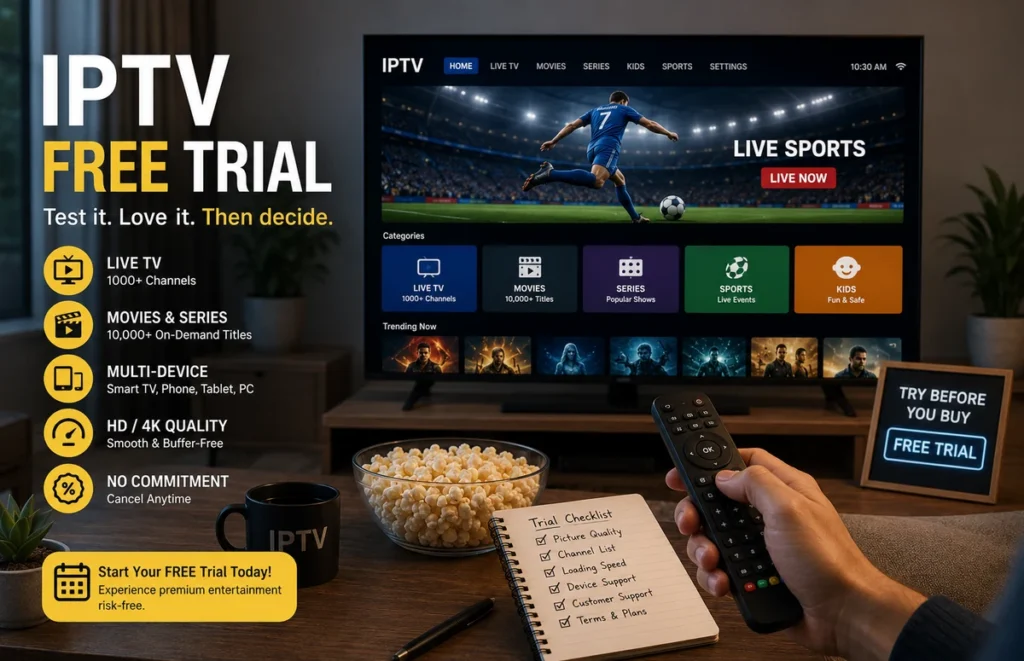
An IPTV free trial gives you a practical way to test a streaming service before paying for a longer subscription. Instead of relying only on advertising claims, you can check how the service works on your own internet connection, television, phone, tablet or computer.
The right IPTV free trial should help you evaluate picture quality, loading speed, device compatibility, customer-support response and the clarity of the subscription terms. This guide explains what to test, which questions to ask and how to compare the results fairly.
Ready to Test Before You Subscribe?
Use a short IPTV trial to check your device, internet connection and streaming setup before choosing a longer plan.
What Is an IPTV Free Trial?
An IPTV free trial is temporary access provided for a limited period so a potential customer can test the service. Depending on the provider, the trial may last a few hours or a full day. It may include access to live categories, on-demand content, programme information and the same login method used by paying customers.
The player application and the content subscription are not always the same product. Some providers send login details that work inside a compatible media player, while the player itself may require a separate installation or premium activation.
Before starting, ask when the access period begins, what features are included and whether the trial uses the same system as the paid subscription.
Why Test Before Buying?
Every home setup is different. A service that works well on one device or network may behave differently on another. Using an IPTV free trial lets you test the exact combination of internet provider, router, device and media-player application you plan to use regularly.
A trial can also reveal whether the provider communicates clearly. You can see how quickly support answers, whether the installation instructions are easy to follow and whether the features you were shown are actually available during the test.
Testing before buying is especially important before selecting a six-month or twelve-month plan. A longer subscription may offer better value, but only after you confirm that your device and home network are compatible.
What to Check During the Trial
| Test area | What to check | Good sign | Possible warning sign |
|---|---|---|---|
| Login and setup | Activation time, instructions and supported applications | Clear steps and working credentials | Confusing instructions or repeated login errors |
| Live playback | Several categories at different times | Fast loading and consistent playback | Frequent freezing across many streams |
| Picture and audio | Resolution, sound synchronisation and aspect ratio | Stable image with matching audio | Constant quality drops or delayed sound |
| Programme guide | Channel names, schedules and time zone | Useful and correctly aligned information | Missing or inaccurate listings |
| On-demand library | Search, categories, subtitles and playback | Organised menus and working files | Broken titles or misleading categories |
| Customer support | Response time and problem-solving quality | Specific and helpful answers | Copied replies that do not solve the issue |
| Terms and pricing | Plan length, renewals and connection limits | Transparent written conditions | Hidden fees or unclear renewal rules |
Prepare Your Device Before the Trial
Do not start the IPTV free trial before preparing the device. Update its operating system, remove unused applications and make sure enough storage is available. Restart the television or streaming box so the test begins with a clean session.
Install only the application recommended by the provider, preferably from the official app store or developer website. Avoid downloading unknown files from random pages.
For device-specific installation instructions, use our IPTV setup guide.
Test More Than One Stream
Opening one working stream is not enough to judge an IPTV free trial. Test multiple live categories, several on-demand titles and different picture qualities. Leave each stream playing for a few minutes instead of changing immediately.
Test the service in the afternoon and again during busy evening hours. This gives you a better idea of how the platform performs when your household and local internet network are under normal pressure.
Write down which categories you tested, how quickly they loaded and whether there were audio, subtitle or picture-quality problems. These notes will make it easier to compare providers later.
Create a Simple Testing Schedule
A structured schedule prevents you from wasting the limited trial period. Start with setup and login, move to live playback, test on-demand content and finish by contacting support.
Try to complete the most important tests early. When an IPTV free trial lasts only a short time, waiting until the final hour may leave you without enough time to resolve installation problems or test the service during evening viewing hours.
Check Your Internet Connection
Streaming problems can come from the home network rather than the provider. Before blaming the service, run a connection test using a tool such as Speedtest by Ookla.
Run the test near the streaming device and repeat it at approximately the same time you evaluate the service. Look for major changes between different rooms or times of day.
For a television, Ethernet is usually the most consistent option when the router is nearby. Strong Wi-Fi can also work, but walls, distance, interference and other connected devices may reduce performance.
Read our Ethernet vs Wi-Fi guide and our router placement guide for practical home-network improvements.
Measure Buffering Fairly
During the IPTV free trial, note when buffering happens and whether it affects one stream or the complete service. A single unavailable source is different from constant freezing across every category.
If several streams stop, restart the application, pause downloads and compare Wi-Fi with Ethernet. You can also test a lower picture quality. Record what changed so you can explain the problem clearly to customer support.
Do not judge the service while another person is downloading a large file, backing up photographs or playing an online game unless that represents normal use in your household.
Review Device Compatibility
A good IPTV free trial should be tested on the device you intend to use after subscribing. A successful test on a new phone does not prove that the same application will work perfectly on an older Smart TV.
Confirm the supported operating system, login method and application. Check whether the provider supports playlist links, portal access or another login format.
Users with LG televisions can read our IPTV for LG Smart TV guide. Apple users can follow our iPhone and iPad setup guide.
Check Simultaneous Connections
Many customers assume that installing an account on several devices means all of them can stream simultaneously. That is not always true. Ask how many active connections are included before the IPTV free trial ends.
Test only within the permitted connection limit. Trying to open more connections than the subscription allows can cause login errors, stopped playback or account restrictions.
Confirm whether the connection limit refers to devices, simultaneous streams or separate subscriptions. Ask for the answer in writing before choosing a plan.
Evaluate Customer Support
Send at least one genuine question during the IPTV free trial. Ask about device setup, connection limits, renewal conditions or an issue you encountered.
The quality of the answer matters more than receiving an instant reply. Useful support should provide specific steps, explain what information is needed and avoid sending an unrelated copied response.
Keep usernames, passwords and complete playlist details private. Do not publish account information in social-media comments, public forums or screenshots.
What Makes a Trustworthy IPTV Trial?
A trustworthy IPTV trial should come with clear setup instructions, transparent plan information and realistic expectations about device and network performance.
- Clear trial duration
- Supported devices explained before setup
- Transparent pricing and plan length
- No hidden renewal conditions
- Responsive customer support
- Clear connection limits
Avoid providers that pressure you to pay immediately without giving you enough information about compatibility, setup or subscription terms.
Compare the Trial With the Paid Plan
Before paying, ask whether the trial and paid subscription use the same platform and service conditions. Confirm the plan duration, final currency, payment method, renewal process and cancellation terms.
Check whether the paid plan includes the same device support, categories and simultaneous connection limit you tested. Do not assume that every package contains identical features.
Use the trial as evidence, not as a guarantee that every stream will always remain available. Live programming, technical conditions and content availability can change. Only use services and content that you are authorised to access.
Questions to Ask Before You Subscribe
- How long does the trial remain active?
- When does the trial period officially begin?
- Which devices and applications are supported?
- Which login method will I receive?
- How many simultaneous connections are permitted?
- Does the paid plan include the same categories?
- Does the subscription renew automatically?
- Which support channels and hours are available?
- What are the cancellation and refund conditions?
- Does the media player require a separate payment?
- Is the provider authorised to distribute the content offered?
Common Mistakes During a Trial
One common mistake is testing the service for only a few minutes. Another is using a different device or internet connection from the one that will be used after subscribing.
Some customers forget to check the programme guide, subtitles, search function, on-demand categories and support response. Others focus only on the advertised number of channels instead of testing the categories they actually watch.
Do not share trial credentials with other people or post them online. Avoid installing several unknown applications at once because this makes it difficult to identify the real cause of a technical problem.
How to Compare Two Providers
When comparing two services, test them under similar conditions. Use the same device, application, connection type, time of day and viewing categories.
Complete one IPTV free trial carefully before evaluating the next provider. Mixing credentials, applications and test results may make it difficult to determine which service caused a particular issue.
A fair comparison should focus on setup quality, playback consistency, support and written terms rather than advertised content totals alone.
Create a small scorecard based on the table above. Give each category a rating from one to five, add short notes and compare the total after both tests are complete.
Frequently Asked Questions
How long should an IPTV free trial last?
A useful IPTV free trial should provide enough time to complete setup, test several categories and contact customer support. The exact period depends on the provider, so confirm when access begins and ends.
Should I test during peak hours?
Yes. Testing in the evening can show how the service and your home connection behave during normal busy periods.
Can I use the trial on several devices?
Only when the provider permits it. Ask about device installation and simultaneous connection limits before opening the account on more than one device.
Does a successful trial guarantee perfect service?
No. A successful test provides useful information, but internet conditions, device performance and content availability can change.
Should I choose the cheapest plan after testing?
Compare the total value, including device support, connection limits, setup assistance, customer support and written conditions. The lowest price is not automatically the most suitable option.
Test Your Setup Before Choosing a Plan
Once you have checked your Smart TV, internet connection and preferred player, you can review the available options and choose a plan that matches your setup.
Check Prime IPTV SA Plans & Trial Options
Final Thoughts
An IPTV free trial is most useful when you test it carefully and record the results. Prepare the device, compare several streams, check the home network, ask support a genuine question and read the subscription conditions before paying.
After completing your IPTV free trial, review the available IPTV subscription plans and select only the option that matches your device, connection requirements and budget.