
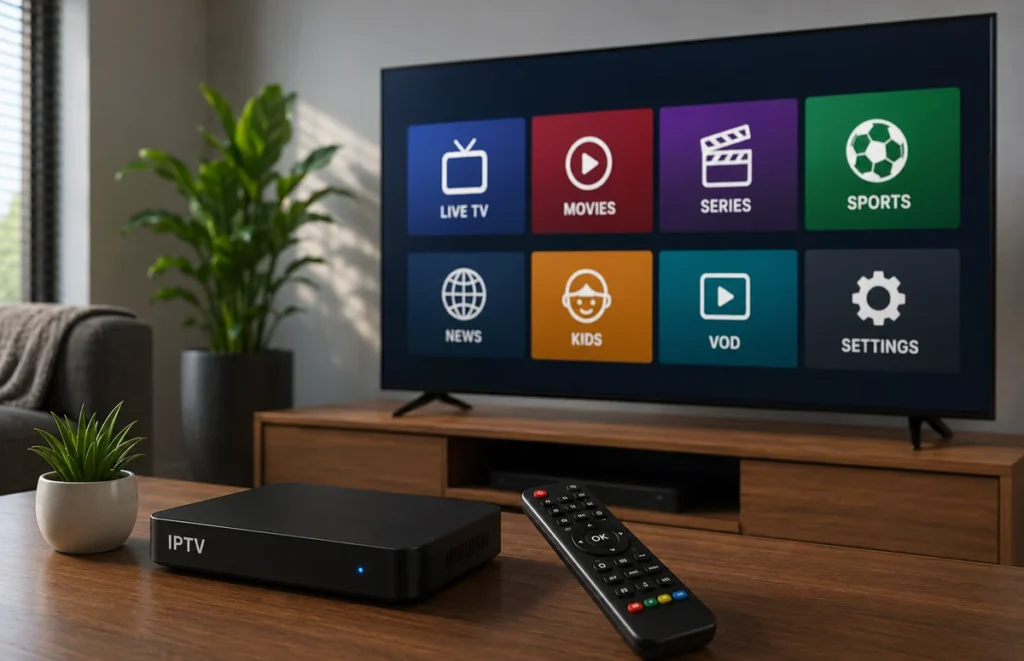
Choosing reliable IPTV suppliers is an important step for anyone who wants a stable and simple streaming experience in South Africa. A good provider should explain the service clearly, support the devices you use and offer realistic information about pricing, activation and customer support.
Not all IPTV suppliers provide the same quality. Some offer clear terms and useful setup help, while others rely on vague promises, hidden conditions or poor communication. This guide explains what to check before paying for a subscription.
What Are IPTV Suppliers?
IPTV suppliers provide access to television or video content through an internet connection. The service may use a playlist, portal address or login details that work with a compatible media player on a Smart TV, phone, tablet or streaming device.
The supplier and the player are usually separate. The supplier provides the account information, while the player is the application used to organise and display the content. Some players are free, while others require a separate activation fee.
Check Device Compatibility First
Before choosing between IPTV suppliers, confirm that the service supports your exact device. A plan that works on Android TV may not use the same setup process on Samsung, LG, Hisense, iPhone or Fire TV.
Ask which login method you will receive and which application is recommended. Also check whether the player is available in the official app store for your device. For official device setup and troubleshooting information, you can visit the Google TV Help Centre.
Do not purchase a long plan before confirming compatibility. A short test on your own television and internet connection is more useful than screenshots or promotional videos.
Compare Reliability and Streaming Quality
Reliable IPTV suppliers should give realistic information about streaming quality. No provider can guarantee perfect playback under every condition because performance also depends on your internet speed, Wi-Fi signal, router, device and the number of people using the connection.
During a test, open several channels and allow each one to play for a few minutes. Check whether the picture loads quickly, whether sound stays synchronised and whether the app remains stable. Test at the time of day when you normally watch television.
If possible, compare Wi-Fi and Ethernet. A wired connection can help you determine whether buffering is caused by the service or by weak wireless coverage. Read our Ethernet vs Wi-Fi for IPTV guide for more information.
Review Pricing and Connection Limits
Price should not be the only factor. Compare the plan duration, number of active connections, supported devices, setup assistance, renewal terms and refund conditions.
Many IPTV suppliers allow an account to be installed on several devices but permit only one stream at a time. Ask how many simultaneous connections are included and whether additional connections cost more.
Avoid paying for a full year before testing the service. A shorter plan may cost slightly more per month, but it reduces the risk of being locked into an unsuitable service.
Check Customer Support
Support quality becomes important when activation fails, login details are entered incorrectly or an application stops working. Before buying, send a simple question and review how clearly the provider responds.
Professional IPTV suppliers should explain their support hours, contact methods and normal response time. They should also provide clear setup instructions rather than sending only generic replies.
Save your payment confirmation, account details and support contact information. Never publish passwords, complete playlist links or private login data in public comments or screenshots.
Look for Clear and Lawful Terms
A trustworthy provider should publish clear terms and conditions, a privacy policy, contact details and refund rules. The website should also explain that content availability can change and that users must access only content for which they have the necessary rights or permission.
Be careful when IPTV suppliers promise permanent access to every channel, zero buffering on every connection or perfect 4K quality on any device. These claims are difficult to guarantee and may indicate poor transparency.
Red Flags to Avoid
- No clear business or support information
- Pressure to pay immediately
- Hidden refund or renewal conditions
- Unrealistic uptime or quality promises
- No explanation of device compatibility
- Requests for unusual payments without documentation
- Encouragement to ignore copyright or local laws
When comparing IPTV suppliers, stop and investigate any provider that refuses to answer basic questions about billing, support or device limits.
Questions to Ask Before Paying
- Which devices and applications are supported?
- Which login method will I receive?
- How many simultaneous connections are included?
- Is a short test available?
- How quickly is the account activated?
- What are the refund and cancellation rules?
- Does the plan renew automatically?
- How can I contact support?
Before You Choose an IPTV Supplier
Check device compatibility, internet requirements, support and subscription terms first.
Compare our IPTV plans →
when your setup is ready.
Frequently Asked Questions
How can I test IPTV suppliers fairly?
Use the same device, player and internet connection for every test. Open several channels, test different categories and contact support with a simple question.
Should I choose the cheapest provider?
Not always. A slightly higher price may include better support, clearer terms or more connections. Compare the complete offer rather than the monthly price alone.
Can one subscription work on several devices?
It may be installed on several devices, but the number of devices that can stream at the same time depends on the plan.
Does a large channel list mean better quality?
No. A smaller and more stable selection can be more useful than a very large list that loads slowly or changes frequently.
Final Thoughts
The best IPTV suppliers combine transparent terms, compatible devices, realistic performance information and responsive support. Test the service on your own equipment, understand the connection limits and read the refund conditions before choosing a long subscription.
For more setup and network advice, visit Prime IPTV SA and explore our practical guides for South African viewers.
Compared IPTV Suppliers? Now Choose the Right Plan
Once you have checked device compatibility, support, internet requirements and subscription terms,
compare our IPTV plans →
and choose the option that best matches your setup and viewing needs.