
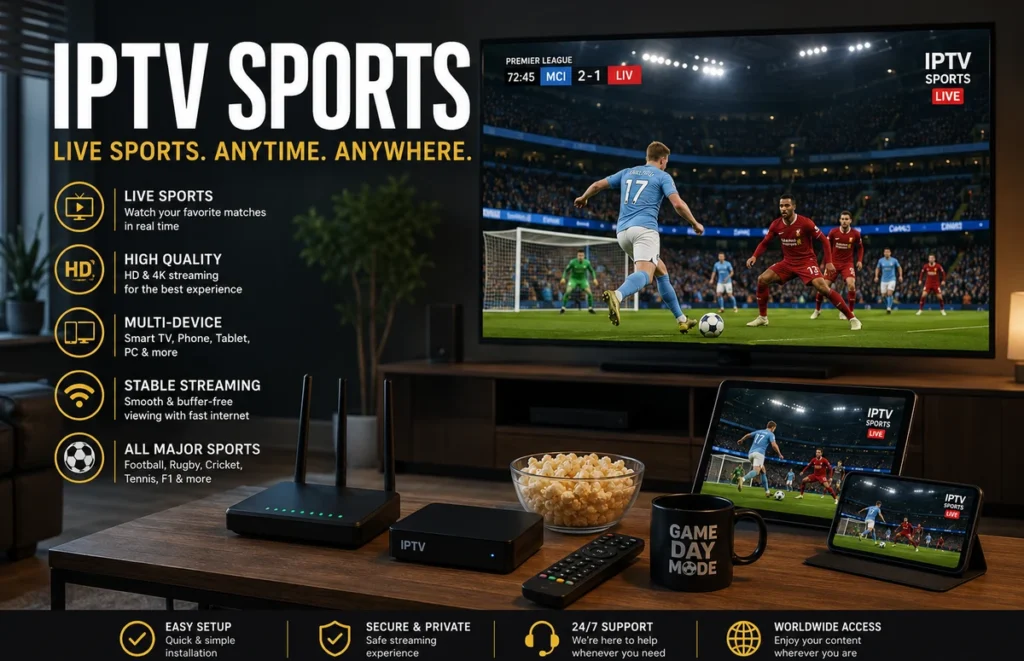
Watching sports on IPTV can be a convenient way to follow live football, rugby, cricket, motorsport and other events across a Smart TV, phone, tablet or computer. For viewers in South Africa, a smooth experience depends on a stable internet connection, a compatible device, the right streaming player and authorised access to the sports content.
This guide explains how to watch sports on IPTV, prepare your devices, reduce buffering during live matches and choose a suitable setup for your home network.
This guide explains how to prepare your equipment, reduce interruptions and compare viewing options for football, rugby, cricket, motorsport and other live events in South Africa.
What Does Watching Sports on IPTV Mean?
Watching sports on IPTV means receiving live or on-demand sports programming through an internet connection instead of relying only on traditional terrestrial, cable or satellite television. The content may come through an authorised streaming application, a television service or another provider that has permission to distribute the event in your region.
The media player and the content provider are often separate. Installing an application does not automatically include access to matches. Always confirm which subscription is required, which competitions are available and whether the service is authorised for use in South Africa.
Choose a Compatible Viewing Device
Before setting up IPTV sports, decide where you will watch most often. Smart TVs provide a large screen, while phones and tablets are useful when travelling or moving around the home. Android TV, Google TV, Fire TV, Samsung, LG, Hisense, iPhone, iPad and computers may all use different applications and installation methods.
Check that your device has enough free storage, receives software updates and supports the application recommended by your provider. Android users can follow our IPTV guide for Android phones and tablets for general setup steps.
Popular Sports to Watch on IPTV
Sports fans in South Africa follow a wide range of competitions, including football, rugby, cricket, motorsport, tennis and other international events. The exact sports and competitions available depend on the streaming service and its broadcasting rights.
Before subscribing, check which competitions are included and whether the provider is authorised to distribute them in South Africa. Availability can change between countries, seasons and streaming platforms.
Use a Stable Internet Connection
Live sport is less forgiving than on-demand video because viewers cannot simply wait for the entire programme to load. For smoother IPTV sports, connect the main television with Ethernet when practical. A wired connection can reduce interference and sudden Wi-Fi signal changes.
If Ethernet is not available, use a strong 5 GHz Wi-Fi signal near the television. Avoid hiding the router inside a cabinet or placing it behind large electronic equipment. Read our Wi-Fi router placement guide for practical positioning tips.
Internet requirements vary by platform and picture quality. As a useful reference, DStv recommends at least 4 Mbps for streaming and 10 Mbps for HD on its service. Review the official DStv internet connection guidance before testing your own setup.
Test Before an Important Match
Do not wait until kickoff to test IPTV sports. Sign in earlier, open the correct category and allow enough time to install updates or solve login problems.
- Restart the television, streaming device and router.
- Close downloads, cloud backups and unused applications.
- Confirm that your subscription is active.
- Check the audio, picture and remote controls.
- Test a live stream for several minutes.
- Keep your provider’s support details available.
Testing during busy evening hours gives a more realistic idea of how the connection performs when other people in the home are online.
Reduce Buffering During Live Sport
When IPTV sports freezes, first check whether the problem affects one event or every stream. One unavailable source may indicate a content issue, while problems across several applications can point to the home network or internet connection.
Restart the application, switch temporarily between Wi-Fi and Ethernet, and pause other high-bandwidth activity. Lowering the video quality can also help on a limited connection. Our Ethernet vs Wi-Fi comparison explains when each connection is more suitable.
Compare Sports Streaming Plans Carefully
When comparing IPTV sports options, do not focus only on the advertised number of channels. Confirm which competitions are actually included, the supported devices, picture quality, simultaneous connection limit, trial availability and renewal terms.
Ask whether availability changes by location and whether some events require an additional package. A transparent provider should explain what is included without guaranteeing access to every match or competition.
Compare our IPTV subscription plans after checking device compatibility and the service terms.
Ready for a Better Sports Streaming Setup?
If your TV, streaming device and internet connection are ready,
compare our IPTV plans →
and choose the option that best matches your sports viewing needs.
Use Authorised Sports Content
Rights for football, rugby, cricket and other competitions can differ by country, season and platform. Use IPTV sports services that are permitted to distribute the content in your location. Avoid unknown applications or websites that request unusual permissions, hide their terms or promise unrestricted access to every premium event.
Keep usernames, passwords and playlist details private. Download applications from trusted stores or the official website of the developer whenever possible.
Frequently Asked Questions
What is the best device for IPTV sports?
A modern Smart TV or supported streaming device is convenient for home viewing. The best choice depends on application compatibility, available storage, remote control support and network quality.
Is Ethernet better than Wi-Fi for live matches?
Ethernet is usually more consistent because it avoids wireless interference. Strong Wi-Fi can still work well when the router is nearby and the network is not overloaded.
Why does the stream buffer only during major games?
Possible causes include heavy household internet use, provider congestion, a weak Wi-Fi signal or problems with the event source. Test other streams and applications to identify whether the issue is local or service-related.
Can I watch on more than one device?
That depends on the simultaneous connection limit in your subscription. Installing the application on multiple devices does not always permit them to stream at the same time.
What internet speed do I need for sports on IPTV?
The required speed depends on the streaming service, resolution and number of devices using the connection. HD and 4K streams generally require more bandwidth, while network stability is particularly important for live sports.
Can I watch sports on IPTV in South Africa?
Yes, IPTV technology can be used to stream sports in South Africa. The important point is to use a service that has the appropriate rights or permissions to provide the sports content you want to watch.
Final Thoughts
A better IPTV sports experience starts with authorised content, a compatible device and a stable connection. Test everything before kickoff, use Ethernet where possible and read the plan terms before paying for a long subscription.
Sports Setup Ready? Choose Your IPTV Plan
Once your device and connection are ready for smooth live streaming,
view our IPTV plans →
and choose the option that best fits your setup and viewing habits.