
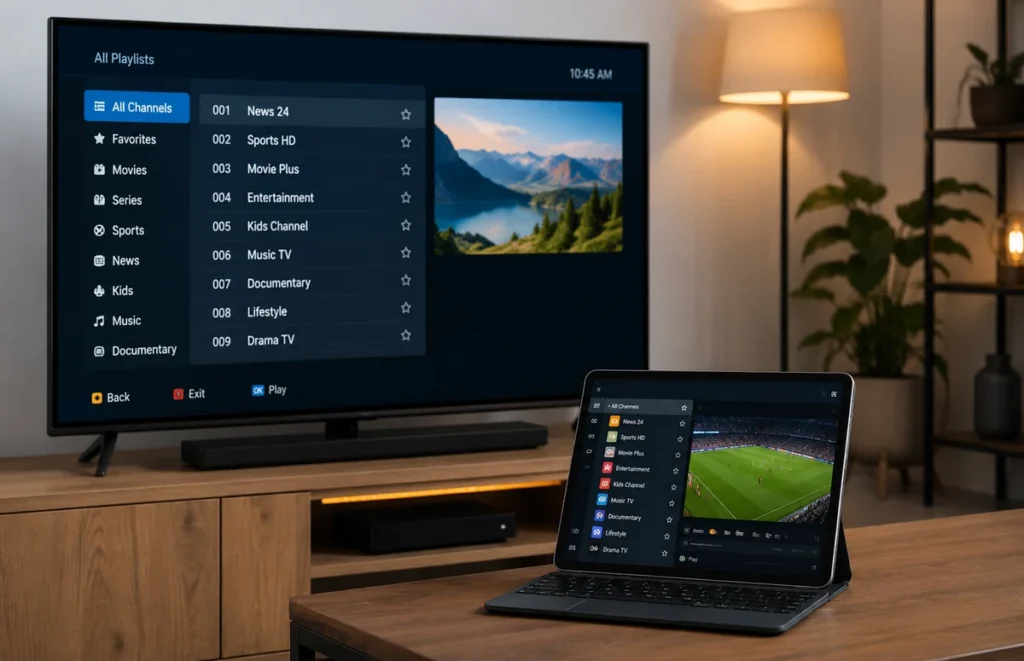
Searching for a free popular IPTV playlist may look like an easy way to test internet television without paying for a subscription. However, public playlist files can vary greatly in quality, safety, availability and legal status.
Some playlists contain authorised public channels, educational streams or free-to-air broadcasts. Others may include broken links, misleading categories, unsafe websites or content that the distributor does not have permission to share.
This guide explains how to evaluate a free popular IPTV playlist carefully, protect your device and choose a safer alternative when the source is unclear.
What Is an IPTV Playlist?
An IPTV playlist is a file or web address that contains a collection of stream locations. A compatible media player reads the playlist and displays the available categories or channels.
M3U is one of the most common playlist formats. The playlist itself is not necessarily a complete streaming service. It is simply a list of stream addresses that a supported player attempts to open.
A free popular IPTV playlist may stop working at any time because stream addresses can expire, move or become unavailable. Public lists are also commonly copied between websites without clear ownership information.
Is a Free IPTV Playlist Legal?
The playlist format is legal technology, but the legality of the content depends on who owns the stream and whether the person distributing it has permission.
Public broadcasters, universities, government organisations and content owners may provide authorised streams. In contrast, a website that republishes premium television, paid sports or copyrighted movies without permission may be distributing unauthorised content.
Only use a playlist that you created, purchased legitimately or received from a provider authorised to distribute the included content. A large list of channels does not prove that the source is legal.
How to Evaluate a Free Popular IPTV Playlist
Before adding a free popular IPTV playlist to your television or phone, investigate the source. Look for a clear website, privacy policy, contact information and an explanation of where the streams come from.
| Test area | What to check | Good sign | Warning sign |
|---|---|---|---|
| Playlist source | Website ownership and contact details | Clear organisation and transparent information | Anonymous page with no contact details |
| Content rights | Explanation of stream ownership | Public or authorised sources are identified | Premium content offered without explanation |
| Download safety | File type and download process | Standard playlist file without extra software | Requests to install unknown applications |
| Playback quality | Loading speed, audio and picture stability | Consistent streams from recognised sources | Frequent redirects, pop-ups or broken streams |
| Privacy | Permissions and requested personal information | No unnecessary account or payment details | Requests for passwords or banking information |
| Updates | Playlist maintenance and publication date | Recent and documented updates | Old lists copied across many websites |
Avoid Unknown Applications and Files
Be careful when a website claims that its free popular IPTV playlist works only after installing a special application from an unknown download page.
A standard playlist should normally work inside a compatible media player. It should not require browser extensions, device-administration access or unrelated software.
Android users should keep Google Play Protect enabled and install applications from trusted sources. You can review the official Google Play Protect guidance for information about application scanning and device safety.
For general installation information, read our IPTV setup guide.
Do Not Share Private Playlist Details
A personal playlist link can contain account information, usernames, passwords or access tokens. Posting the complete address publicly may allow other people to use the account.
Do not publish private playlist links in social-media posts, comments, screenshots or public support forums. When contacting technical support, hide sensitive sections of the address unless the provider specifically requires them through a private channel.
A public free popular IPTV playlist should not request credentials from an unrelated paid account.
Test the Playlist on a Safe Device
When the source appears legitimate, test the playlist using a trusted media player on a fully updated device. Start with a phone, tablet or secondary device rather than changing the configuration of your main television immediately.
Open several authorised streams and leave each one playing for a few minutes. Check:
- How quickly each stream loads.
- Whether the sound matches the picture.
- Whether channel names are accurate.
- Whether the playlist creates unexpected redirects.
- Whether categories contain the content described.
- Whether the player remains stable.
Remove the playlist when it causes repeated errors, opens unrelated websites or requests permissions that are not necessary for video playback.
Why Free Public Playlists Often Stop Working
A free popular IPTV playlist may contain links collected from different websites. These streams can change without notice, limit the number of viewers or block playback from certain locations.
Temporary availability does not always mean that there is a problem with your internet connection. The stream itself may have expired or the source may no longer permit external players.
Free public playlists are therefore usually less predictable than an authorised service with documented support and account management.
Free Playlist vs IPTV Free Trial
A public playlist and an IPTV trial are not the same. A playlist is normally a list of stream addresses, while a trial gives temporary access to a specific service or provider.
| Feature | Free public playlist | Provider free trial |
|---|---|---|
| Source information | May be unclear or anonymous | Provided by a named service |
| Customer support | Usually unavailable | May include setup assistance |
| Stream stability | Can change without notice | Can be tested during the trial period |
| Login details | Often not required | Temporary account details may be supplied |
| Terms | May not be documented | Should include written service conditions |
Read our IPTV free trial guide to learn how to test device compatibility, playback and customer support before selecting a plan.
Warning Signs to Avoid
Do not use a free popular IPTV playlist when the website:
- Claims to provide every premium channel for free.
- Does not identify the playlist owner or content source.
- Forces you to download several unrelated applications.
- Displays repeated pop-ups or fake security warnings.
- Requests banking details for a supposedly free file.
- Asks for your email or social-media password.
- Disables antivirus protection before installation.
- Promises permanent access without updates or maintenance.
These warning signs do not automatically prove that a file is malicious, but they provide good reasons to leave the website and avoid the download.
Safer Alternatives
Instead of using an unknown free popular IPTV playlist, consider authorised free streaming applications, official broadcaster websites, free-to-air services or a limited trial from a transparent provider.
A trial allows you to evaluate the service on your normal device and internet connection. Confirm the supported application, connection limit, subscription price and cancellation terms before paying.
You can compare the available IPTV subscription plans after testing compatibility and reviewing the service conditions.
Frequently Asked Questions
Can an IPTV playlist damage my device?
A basic text playlist is not normally an application, but the websites and files surrounding it may contain unsafe downloads, redirects or misleading instructions. Use trusted sources and updated security software.
Why are many streams offline?
Public stream addresses can expire, move, restrict external playback or become unavailable because of viewer limits and regional restrictions.
Do I need a special IPTV player?
You need a media player that supports the playlist format. Install it from an official application store or the developer’s verified website.
Can I share my playlist link?
Do not share a private playlist because it may include credentials or account tokens. Only share public links when the owner permits redistribution.
Final Thoughts
A free popular IPTV playlist can be useful for testing public or authorised streams, but reliability, source transparency and safety matter more than the number of channels advertised.
If you are tired of broken links, unclear sources or unstable public playlists, the next step is to use a setup that is easier to test and manage on your own device.
Ready for a more stable setup? Compare our IPTV plans → and choose the option that best matches your Smart TV, internet connection and viewing needs.